 UI kits
 FSN - Digital Product
FullstackNotes Glass UI Kit ✨
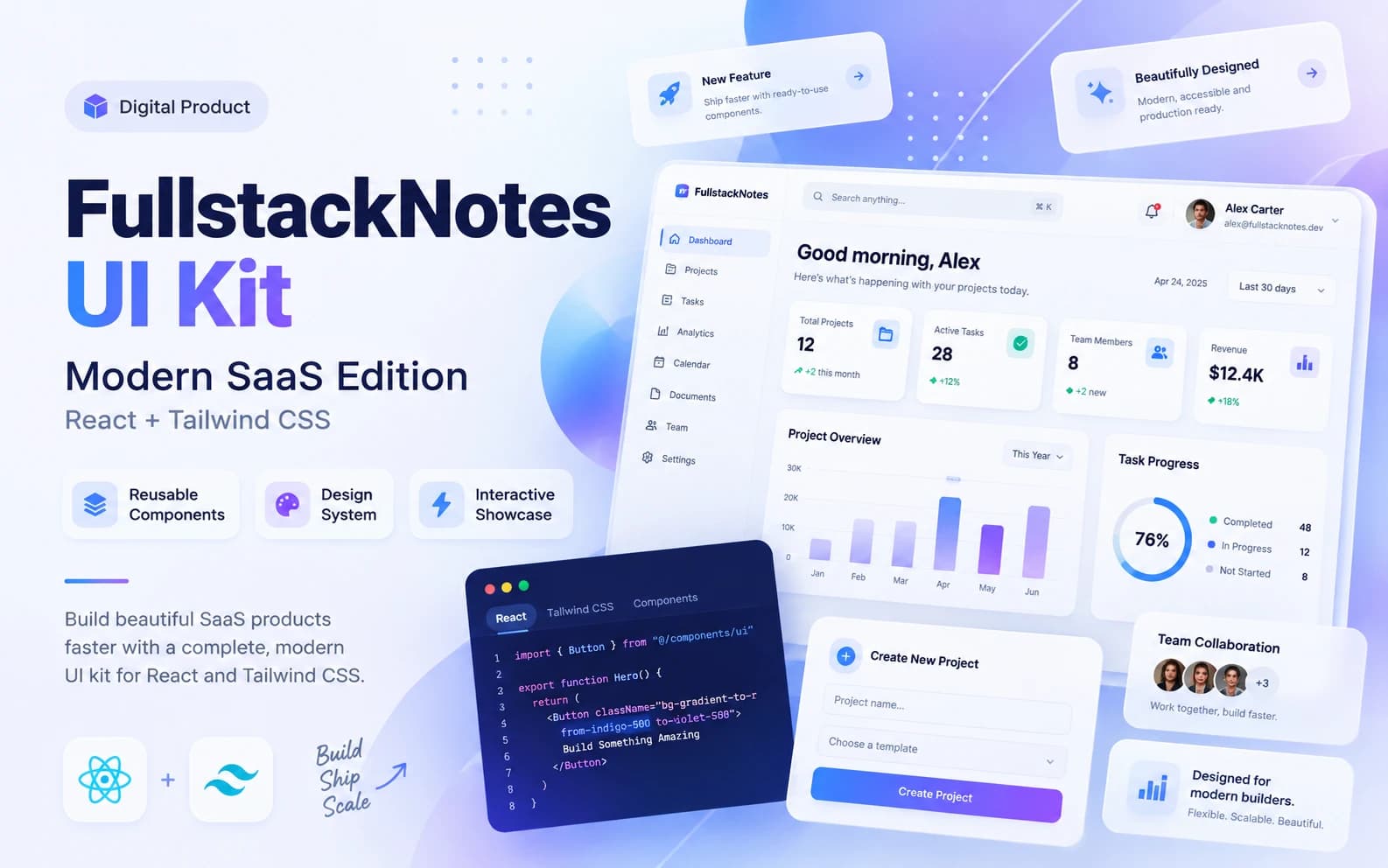
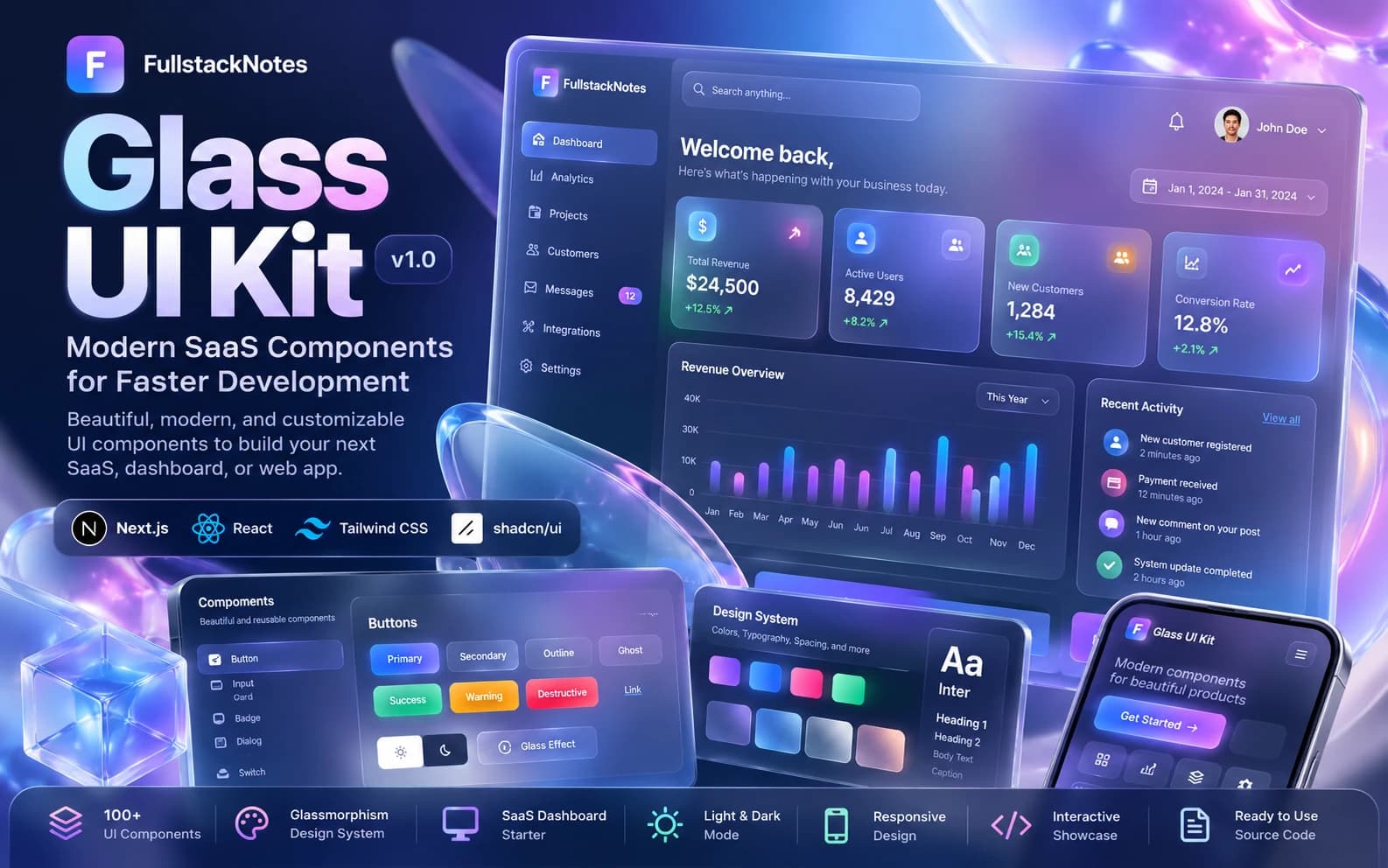
Build Beautiful Interfaces. Faster, Smarter, and More Modern. Build websites, admin dashboards, and SaaS applications with a modern Glassmorphism look using the FullstackNotes Glass UI Kit! This UI Kit is specifically designed for developers, freelancers, and startups who want to build professional applications without having to design every component from scratch. Built with Next.js, React, TypeScript, Tailwind CSS, and shadcn/ui-style components, this product offers a consistent design system, reusable components, and an interactive showcase that is easy to customize. ✨ Key Features ✅ Modern Glassmorphism Design — Premium look with frosted glass effects, backdrop blur, transparency, and soft gradients. ✅ Reusable UI Components — Components that can be reused for various project needs. ✅ Interactive Component Playground — Explore and test component interactions directly. ✅ Modern SaaS Dashboard — Example dashboard with KPI cards, activity charts, and recent activity. ✅ Light & Dark Mode — Flexible appearance with support for light and dark themes. ✅ Customizable Brand Colors — Four brand color options to match your application's identity. ✅ Responsive Layout — Designed for various screen sizes, including desktop, tablet, and mobile. ✅ Clean Project Structure — Organized code architecture that is easy to extend. 🚀 How to Use 1. View the Demo Without Installation This method is suitable for those who want to see the look and try the UI Kit without needing to understand coding. Download the ZIP file after purchase. Extract the ZIP file to your computer. Open the extracted folder. Find the file named index.html. Double-click that file. The demo will open in a browser like Google Chrome, Safari, or Microsoft Edge. 🎉 Done! You can now try the dashboard, interactive components, switch themes, and explore the Glassmorphism design. No need to install Node.js or run a server to view the HTML demo. 2. Running the Next.js Source Code This method is suitable for developers who want to modify and use the UI Kit in their projects. Prerequisites: Install Node.js and npm. Install Visual Studio Code or another code editor. Installation steps: Extract the ZIP file. Open the project folder using VS Code. Open the Terminal. Run the command: npm install After dependencies are installed, run: npm run dev Open your browser and go to: http://localhost:3000 Now you can start developing the UI Kit according to your needs. 🛠️ Technology Stack Next.js (App Router) React TypeScript Tailwind CSS shadcn/ui-style Components Lucide Icons 🎯 Perfect For Frontend & Fullstack Developers Web Designers Freelancers Startup Founders SaaS Developers IT Students 🚀 Quick Start Download the ZIP file after purchase. Extract the source code. Open the project using VS Code. Run npm install. Run npm run dev. Open http://localhost:3000. Start customizing and build your dream application! 📋 Product Information Product: FullstackNotes Glass UI Kit Edition: Glassmorphism Starter Edition v1.0 Format: ZIP (Source Code) Framework: Next.js + React Styling: Tailwind CSS Category: UI Kit / Web Development / SaaS Dashboard Brand: FullstackNotes Important Note: This product is a starter project that can be further developed, not a production-ready SaaS application. Buyers need basic knowledge of Next.js and React. ⚠️ Important Information The product consists of source code and a demo, not a production-ready SaaS application. The index.html demo is a standalone showcase, separate from the Next.js application. Running the Next.js source code requires Node.js and basic React knowledge. The Next.js build has not been fully verified in a development environment. Commercial use and redistribution rights follow the product license terms set by the seller. Stop Designing from Scratch. Start Building with FullstackNotes! 🚀